
Preely feedback module
Preely feedback module is a self-service tool for remote user testing. Prototype testing on smartphone, tablet and desktop. Setup a remote user test in minutes and get fast learnings about your users’ experience with your digital product. Use the insights to validate ideas or test your assumptions that will improve your product.
✔️ Create your test
✔️ Share your test
✔️ Get analytics and data
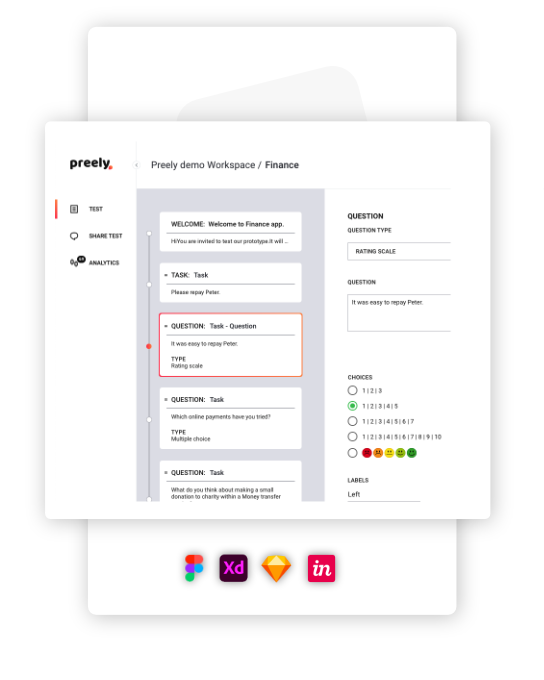
Create test
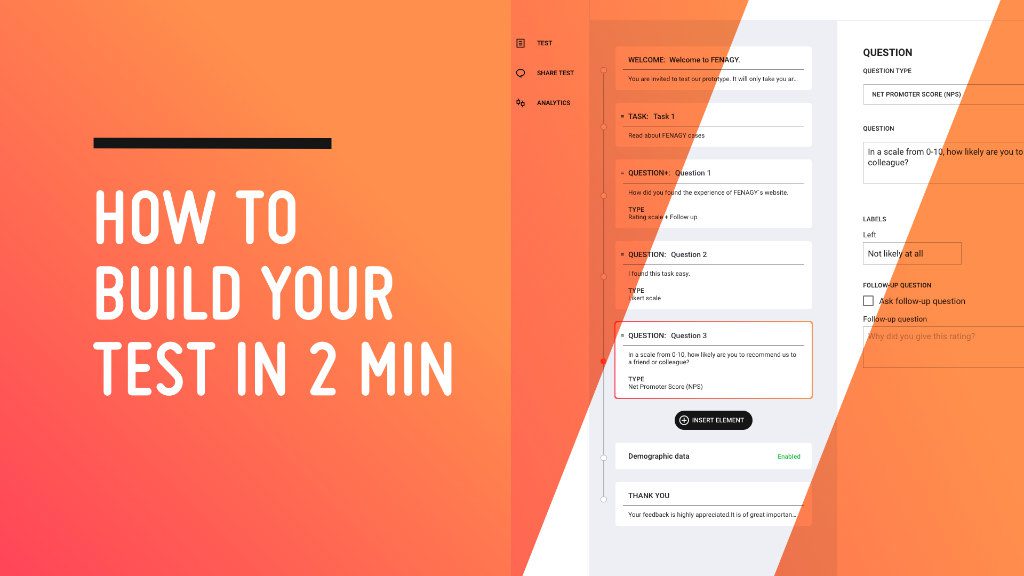
A test in Preely consists of three things: a prototype, tasks, and questions.
You can test ideas, concepts, and digital prototypes – from drawings made on a napkin or white board to interactive prototypes made in Adobe XD, Figma, or Sketch directly in Preely.
If you do not have a preferred prototyping tool, you can upload pictures of the prototype to Preely and make it interactive and navigable using Link, Preely forms, and transitions.
How many test languages are available?
10 different languages. English, German, French, Dutch, Spanish, Polish, Swedish, Norwegian, Finnish, Danish. This is the language that the test can be presented in.
Can I run tests on a desktop, tablet, or smartphone device?
Yes, we support all three.
Share your test
After creating your test, you can start asking participants for feedback. It all starts with a unique link that you can share. When clicking the link, participants will be redirected to a landing page with a personalized welcome message from you.
Do testers need to download or install anything to participate?
No. When testers clicking the link it automatically open and starts the test.
Can I share my link wherever I want?
Yes. In your email, on your website, in a pop-up, or even a sponsored ad on SoMe.
Can I share my test with my user panel?
Yes. By sharing your test through your own test panel, you have the opportunity to check who has participated. We create a unique test link. That’s the secret!

Get analytics and data
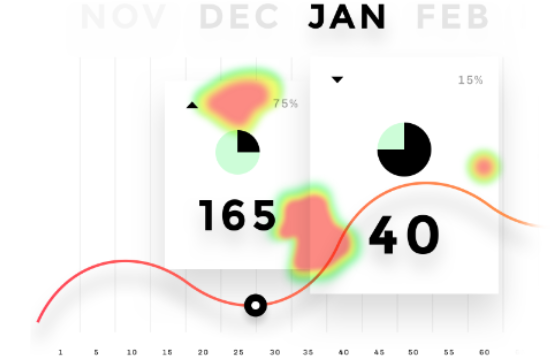
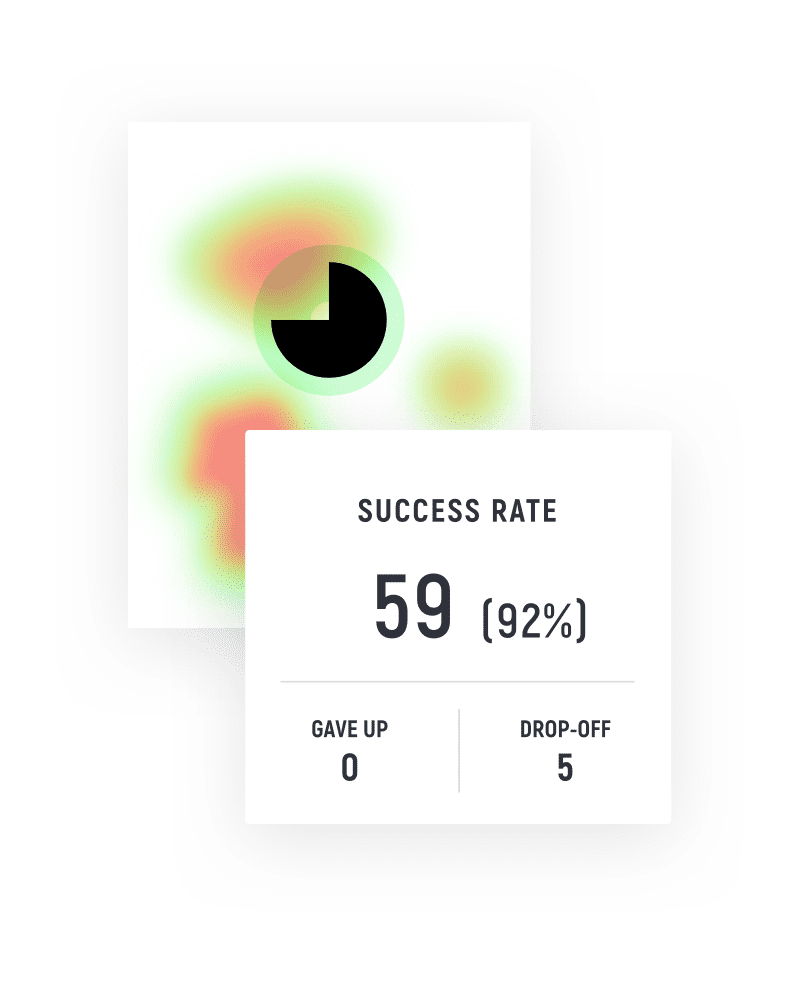
Preely offers a diverse number of data points, data visualizations, and calculations. With Preely you can measure and track most usability and UX metrics.
We talk about two types of metrics: Performance metrics and self-reported metrics.
Performance metrics
Performance metrics are automatically collected in Preely, you do not need to do anything! We collect the following performance metrics: success rate, time on task, number of paths, actions & heat map, screen statistics, interaction cost and learnability
Self-reported Metrics
When you create a test in Preely, you can ask questions and define which answer types you want. Depending on the answer types you choose for your questions, you have different analytics options. See Academy
Watch how The danish digital agency Peytz uses Preely feedback module

Danske Spil gathers key feedback saving them millions
Prototype based testing
Danske Spil build prototypes in Figma and import them to Preely. Being able to build a prototype in one place, and then to continue working on it in Preely is extremely powerful. They use Preely to test concepts (for example new products or new functionalities), usability, flows and content (icons, imagery, buttons, copy).
A successful transformation
– From 5 user test in 2018 to more than 50 tests conducted in 2020 – User validation or rejection within 24 hours (took 2-3 weeks before) – Millions of DKK saved from avoiding unnecessary functionalities
Trusted by experts
Here are some of our customers
Preely is an important tool for us to involve users in a development process where things move fast, without time for large and comprehensive tests.
To us Preely has been a quick and useful way to get user feedback.
Whether in a need for quick internal feedback or a more thorough customer test,
User feedback is a very important part in our work with top user friendly products.
Preely is an excellent resource for testing and teaching UI design
The quantitative nature of the data provides information on one or more performance metrics, reflecting on whether a task was easy to perform or not.
Our team saved DKK 250,000






Try Preely and see for yourself
Stay connected to your users no matter how far away they are.
- 14-day trial
- No credit card required
- Cancel anytime.